Import by drag-and-drop or file browser
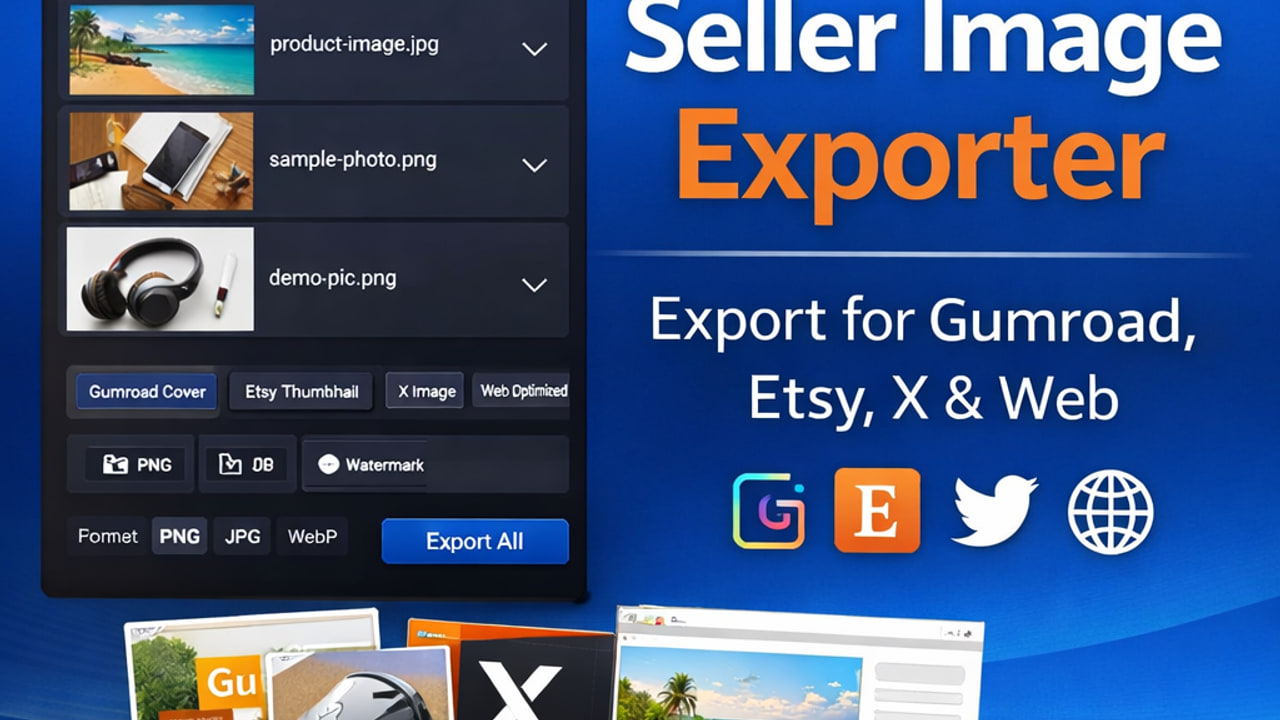
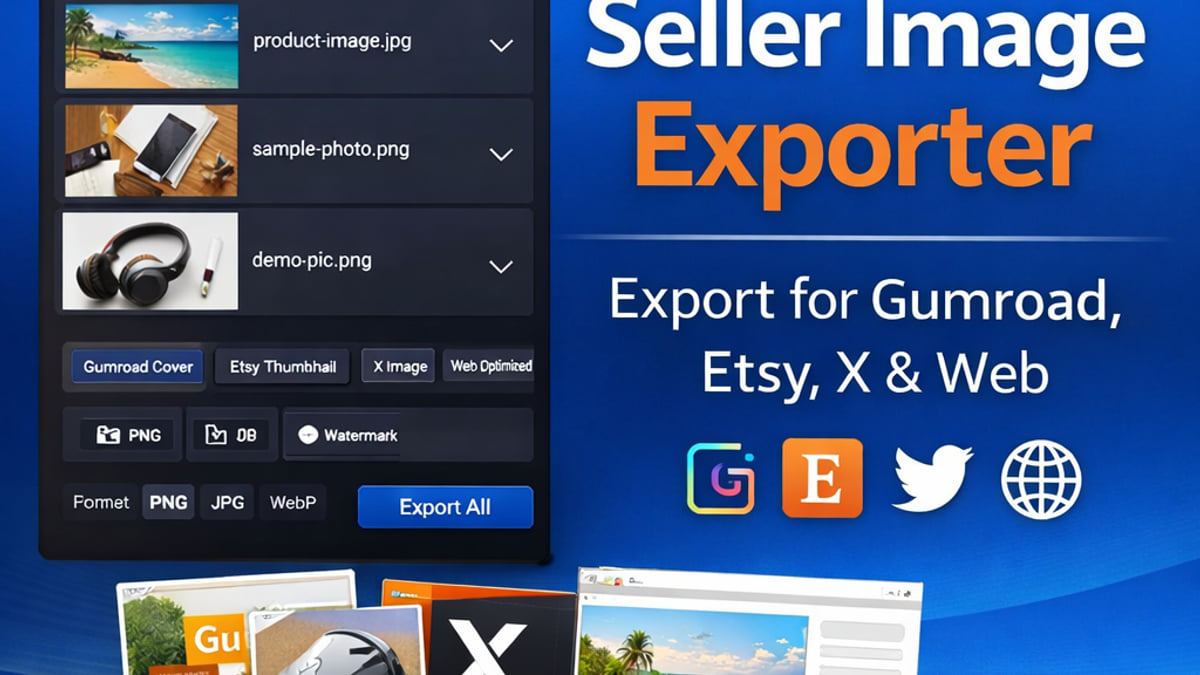
Drop one or many supported images into the window, or browse to select files. Unsupported types are rejected clearly; corrupt files are surfaced with an error instead of failing silently.
Windows · Local processing · For digital sellers
Seller Image Exporter turns folders of product photos into Gumroad-ready covers, Etsy-friendly squares, X promo assets, and compressed web files—with presets, naming rules, and optional watermarks. No subscriptions and no upload to a third-party server to resize your work.
Product
A focused tool for listing prep: import, configure, export. Below is a complete overview of capabilities you get in the desktop app—not a generic online resizer, but a seller-oriented export pipeline.
Drop one or many supported images into the window, or browse to select files. Unsupported types are rejected clearly; corrupt files are surfaced with an error instead of failing silently.
See a thumbnail, original filename, pixel dimensions, and file size for each queued image before you export—so you catch wrong files early.
Purpose-driven defaults you can combine in one batch:
Export to PNG, JPEG, or WebP with per-preset quality. JPEG uses mozjpeg-oriented settings; PNG uses strong compression; WebP targets efficient delivery for your own site or handoff.
Choose contain, cover, fill, inside, or outside to match how you want aspect ratio handled. Optional background color (hex) pads letterboxed areas when the fit mode introduces empty space.
Pick an output directory (the app remembers the last one). Export all combinations of selected images × selected presets in one run, with automatic filename collision handling when two outputs would share the same name.
Choose how files are named on disk:
Add a text watermark with position (corners or center), opacity, size relative to the image, margin, and color. Optionally apply an image watermark (e.g. logo) with scale and opacity—useful for branded previews or subtle protection.
During export, see per-item status as each image and preset completes. When finished, review a summary: how many files exported, which combinations failed (with reasons), and the output folder path—then open the folder in Explorer from the app context when supported.
No in-app accounts, cloud sync, or analytics SDKs. Image transforms run through Sharp on your machine. Preferences (last folder, selected presets, naming, watermark defaults) are stored locally—ideal when you work with licensed or confidential client assets.
Built for Windows 10 and 11 (x64), distributed as a standard installer so end users can install and uninstall like any other desktop program. The public site is hosted at seller-image-exporter.netlify.app.
Output examples
Real files produced from the same source artwork using Seller Image Exporter preset settings (files live in the repo under
test/ and are copied to the site as web-safe names).



Resources
Short, practical articles on dimensions and workflows—aligned with how the app’s presets are intended to be used.
Landscape covers, cropping, and JPEG quality for digital product pages.
Read article →Square thumbnails, galleries, and batch prep before upload.
Read article →Promo cards and pairing social assets with your store.
Read article →Purchase securely on Gumroad. You receive the Windows installer and updates according to the product page.
Buy on Gumroad